Safety on every ride
Every ride on alé is built around your safety. Drivers are reviewed before they take a single ride, both phones stay on the map during the trip, your family can follow along live, and help is always within reach.
999Police
114Ambulance
Both are in the Safety sheet on the ride screen, with a slide to alert the alé team.
Before the ride
Reviewed drivers
Drivers send a profile photo, their national ID card, driving licence and PSV licence, and their car with its plate. The alé team reviews each application before a driver can go online.
Who is coming
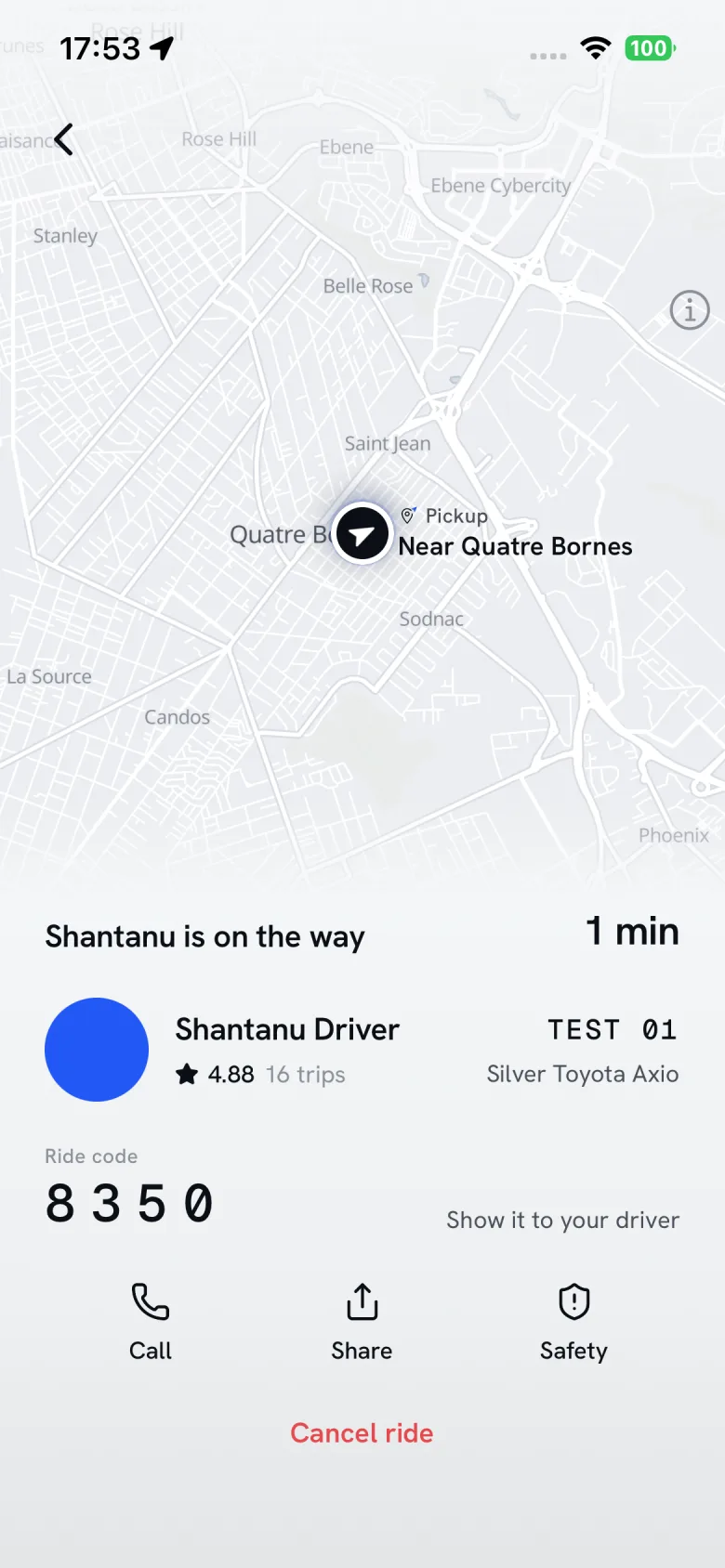
Once a driver accepts, you see their name, photo and rating, the car’s colour, make and model, its plate, and the badges riders have given them.
Ride code
Your driver asks for your four-digit ride code and the ride can only start with it, so you get into the right car and the driver picks up the right rider.
On the ride
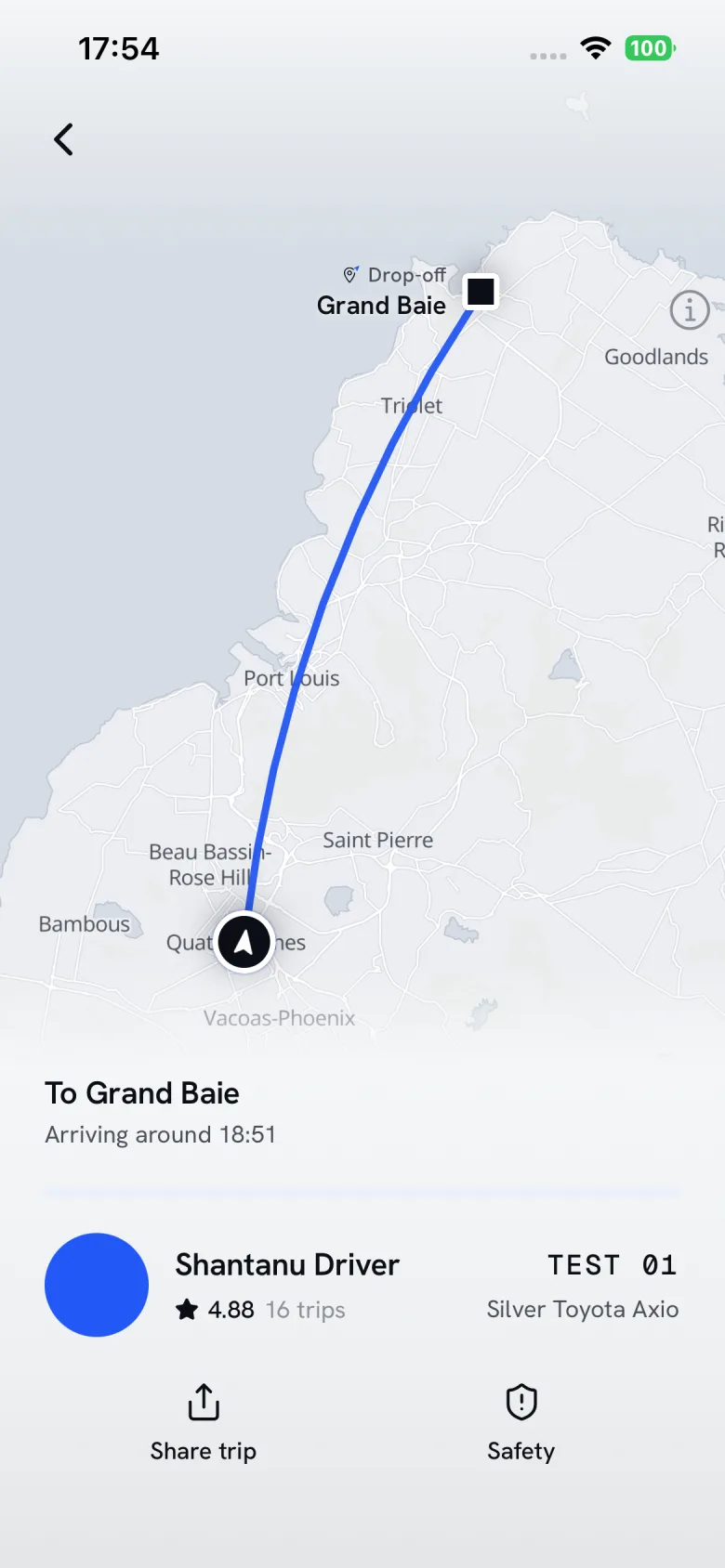
Both phones on the map
From the moment your driver is on the way until the ride ends, your phone and theirs share where they are, also with the app in the background.
A live link for family
Share the ride and anyone with the link can follow it on a map until you arrive.
The Safety button
Call the police or an ambulance, or slide to alert the alé team, who see at once where you and your driver are.
After the ride
Ratings both ways
Riders rate their drivers and drivers rate their riders after every ride.
Trip chat
Message your driver for 3 hours after the ride ends, with photos, if you left something behind.
Tell us
Write to us about anything that happened on a ride: [email protected]
Safety questions
When does alé see my location?
Your position is shared from the moment a driver is on the way until the ride ends. On Android a notification says so while it happens. Drivers share their position while they are online and through every ride.
What happens when I alert the alé team?
The alé team is told at once, with where you and your driver are, the car and its plate. The app shows the time you sent the alert. Your driver is not told.
What does a family member see on a shared ride?
A page with the ride on a map: whether the driver is on the way, at the pickup or on the ride, and where the car is, until the ride ends.
I left something in the car. What do I do?
Open the trip and message your driver. The trip chat stays open for 3 hours after the ride ends, and you can send photos.

